Fan Systems
Fan Installation and Maintenance Checks for Long Service Life
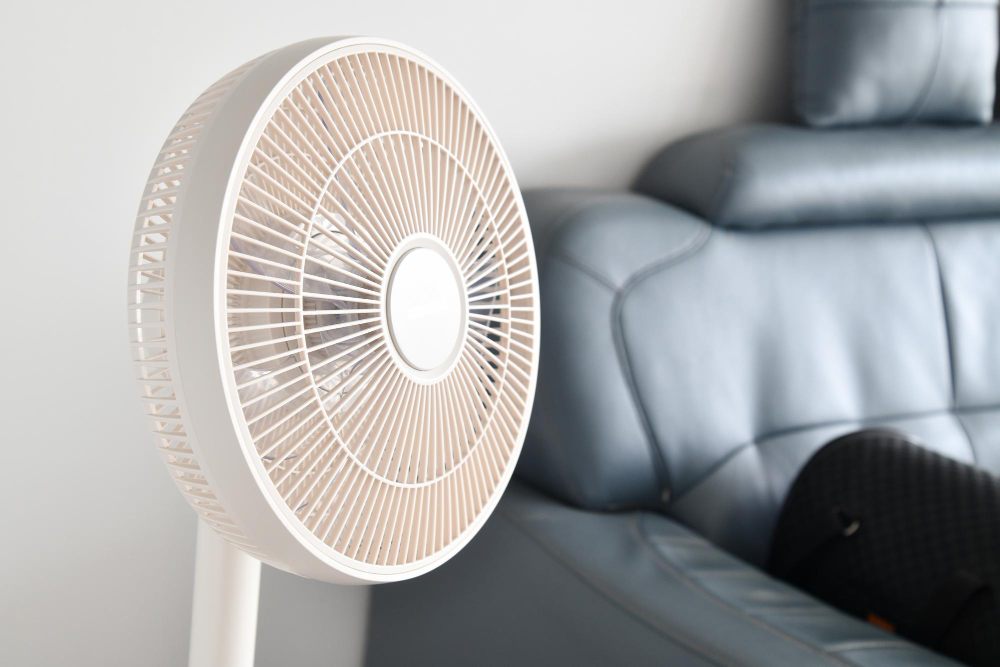
A fan can be well designed and still perform badly if installation is weak. Wobble, noise, poor airflow, remote-control problems, and premature wear often begin with mounting, wiring, balance, or clearance issues. In Malaysian homes and commercial interiors, fans are commonly installed on concrete ceilings, timber structures, plaster ceilings, and renovation-modified ceiling points. Each condition needs a proper support method.
Maintenance is also part of performance. Dust buildup changes blade balance and airflow. Loose screws can create ticking sounds. Remote receivers can fail or behave intermittently if wiring, heat, or compatibility is poor. A careful installation and inspection routine protects comfort, safety, and service life. For selection before installation, start with the main design fan Malaysia guide.
Mounting and Structural Support
The fan must be fixed to a load-bearing point suitable for rotating equipment. A plaster ceiling panel alone is not a structural support. If a false ceiling is present, the installer must anchor to the slab, joist, or proper support frame above it. The bracket should be tight, level, and compatible with the fan model. Any downrod connection should be secured according to the manufacturer's method.
Clearance should be checked before final tightening. The blade sweep must avoid walls, beams, lights, cabinet doors, bunk beds, and air conditioner outlets. A fan installed too close to an obstruction may create uneven airflow and extra turbulence noise. A fan installed off-center from the occupied zone may look acceptable but feel ineffective.
Commissioning Checks
- Bracket tightness: Confirm the support point does not move under fan load.
- Blade balance: Check wobble at low, medium, and high speed.
- Electrical control: Test wall switch, remote, timer, light, and speed settings.
- Noise: Listen for clicking, scraping, humming, or ceiling vibration.
- Air delivery: Confirm the occupied zone receives comfortable airflow.
Electrical and Control Issues
Fans with electronic remotes or DC motors should be wired according to the product requirements. Standard fan regulators may not be suitable for many electronic-controlled fans. Incorrect control wiring can cause buzzing, unstable speed, receiver failure, or no response from the remote. If the fan includes a light, separate control behavior should be checked so users can operate airflow and lighting as intended.
Remote problems are often simple but disruptive. Weak batteries, blocked receiver position, incompatible replacement remotes, or failed receiver modules can all look like fan failure. During troubleshooting, confirm power supply first, then remote function, receiver output, and motor response. Avoid repeated power cycling if there is a burning smell, abnormal heat, or visible wiring damage.
Cleaning and Balance
Fan blades collect dust because rotating surfaces interact continuously with room air. In kitchens and dining areas, dust may mix with oil vapour and become sticky. Uneven buildup can cause imbalance, especially on longer blades. Cleaning should be done with the fan switched off and stable. Blades should be wiped evenly rather than pressing one blade heavily and bending it out of alignment.
If wobble appears after cleaning, inspect blade screws, blade holders, downrod connections, and canopy contact. Some fans include balancing kits, but balancing should not be used to hide a loose bracket or damaged blade. A wobbling fan should be corrected early because vibration can loosen fittings over time.
Fault Symptoms and Practical Response
A humming sound may indicate motor, control, or regulator issues. Clicking may come from loose trim, blade holders, or canopy contact. Poor airflow may come from wrong size, high mounting, dirty blades, or low speed setting. Intermittent operation may involve remote receiver faults, supply issues, or thermal protection. These symptoms should be treated as evidence, not guesses.
Good maintenance keeps the fan operating as selected. A design fan should remain stable, quiet, and clean enough to deliver the intended airflow. This article supports the broader design fan Malaysia selection process by showing why installation and service access should be considered before purchase.
When to Stop Using the Fan
A fan should be switched off and inspected if it produces a burning smell, visible sparking, repeated breaker trips, severe wobble, scraping noise, or unusual heat near the motor housing. These symptoms are different from normal dust or minor noise issues because they may involve electrical or mechanical risk. Continued use can damage the motor, receiver, wiring, ceiling support, or surrounding finishes.
For rented homes, shops, and renovated units, it is also worth confirming who is responsible for ceiling support and wiring work before replacing a fan. A new fan installed on an old weak point may inherit the same vibration or safety problem.
Technical FAQ
Why does a new fan wobble?
Common causes include uneven blade installation, loose screws, unlevel mounting, weak ceiling support, or manufacturing imbalance. The support point should be checked before balancing accessories are used.
Can a fan be installed on plaster ceiling?
Only if the fan is anchored to a proper structural support above or behind the plaster ceiling. The plaster board itself should not carry the fan load.
Why does the remote stop working?
Possible causes include battery failure, receiver fault, pairing issue, blocked signal, power supply problem, or incompatible replacement remote.
How often should fan blades be cleaned?
Frequency depends on dust, cooking vapour, and room use. Clean when visible buildup appears or when airflow, balance, or noise changes.