Computer Systems
Laptop Warranty and Refurbished Checks Before Buying in Malaysia
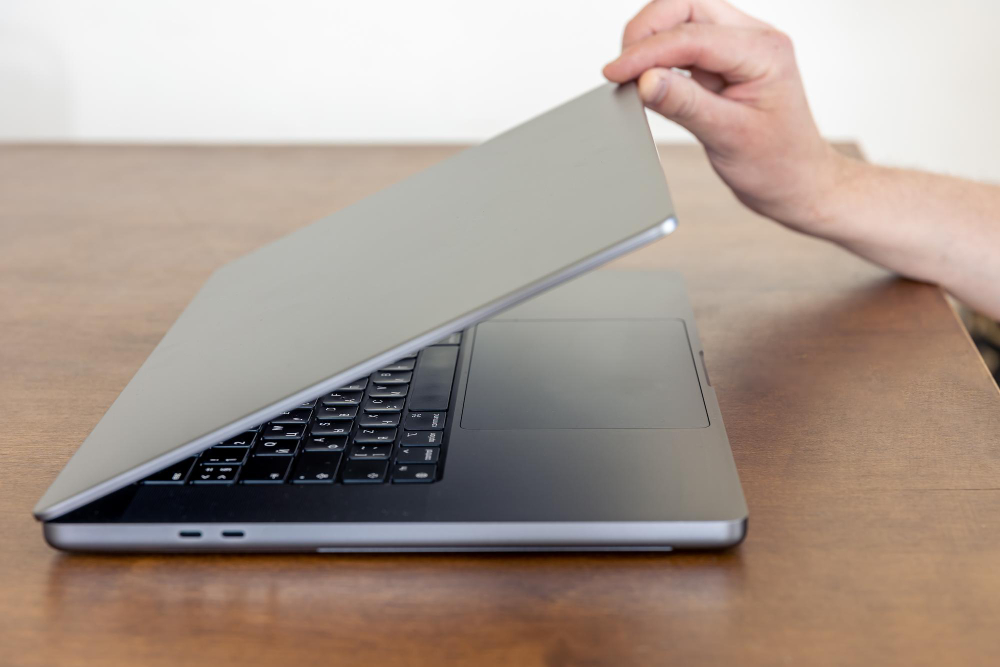
A refurbished or used laptop should be evaluated as a working system, not only as a low-price product. The value depends on actual condition, warranty support, repair history, battery health, storage health, display condition, keyboard function, cooling performance, and software readiness. In Malaysia, refurbished laptops are common for students, SMEs, home users, and office setups because they can reduce cost while still meeting everyday computing needs.
The main Lenovo laptop Malaysia article explains how to match a laptop family to workload. This guide focuses on the checking process before purchase. A proper inspection workflow reduces the risk of buying a laptop that looks acceptable but fails in daily use.
How Refurbished Laptop Checking Works
The first stage is identity and specification verification. Confirm the model, processor, RAM, SSD capacity, screen size, charger rating, operating system, and serial information. The second stage is physical inspection. Check the screen, hinge, keyboard, touchpad, casing, screws, rubber feet, vents, camera, ports, and charger. The third stage is functional testing. Turn on the laptop, check boot speed, Wi-Fi, Bluetooth, sound, microphone, webcam, keyboard, touchpad, USB ports, display output, charging, and battery behavior.
The fourth stage is performance and health checking. Review SSD health, battery cycle or capacity where available, temperatures under load, fan noise, and whether the system remains stable during updates or video calls. A laptop may pass a quick startup test but fail under sustained workload if the cooling system is clogged or the battery is weak.
Inspection Workflow
- Confirm model: Check actual specification against the listing.
- Inspect physical parts: Screen, hinge, keyboard, ports, charger, and casing.
- Test functions: Wi-Fi, webcam, audio, keyboard, touchpad, USB, HDMI, and charging.
- Check health: SSD condition, battery status, temperature, and fan behavior.
- Review warranty: Understand duration, coverage, exclusions, and service method.
Warranty and Support
Warranty terms should be read carefully. A practical warranty explains what is covered, how long coverage lasts, where service is performed, and whether battery, charger, screen, keyboard, or accessories are included. Some warranties cover hardware faults but exclude cosmetic condition or consumables. This is normal, but the buyer should know it before paying.
For business and student buyers, support speed matters. A low-cost laptop is less useful if repair takes too long or parts are difficult to obtain. Ask whether replacement batteries, chargers, RAM, SSDs, keyboards, and screens are available. A model with common parts may be easier to maintain than a rare unit with attractive specifications.
Common Defect Areas
Batteries are consumable and degrade with age. A weak battery may still power the laptop briefly but fail during class, meetings, or travel. Hinges can loosen or crack, especially on laptops that were opened roughly. Screens may have bright spots, pressure marks, flicker, or dead pixels. Keyboards may have sticky or non-working keys. USB-C charging ports may become loose from repeated use. Fans may be noisy or blocked with dust.
Storage health is important because SSD failure can cause data loss. A laptop should not be accepted only because it starts once. It should be checked for stable booting, normal update behavior, and reliable storage detection. For long-term ownership, see SSD and RAM upgrade planning.
Practical Buying Decision
A used laptop with minor scratches but strong battery, good keyboard, healthy SSD, clear screen, and warranty can be a sensible purchase. A cleaner-looking unit with weak battery, loose hinge, poor cooling, or uncertain warranty may be a higher risk. Buyers should separate cosmetic condition from functional condition. Cosmetic marks affect appearance; functional defects affect productivity.
The safest approach is to choose a laptop based on workload first, then inspect condition, then confirm warranty. This avoids buying only by price or appearance.
Acceptance Test Before Daily Use
After purchase, the laptop should be tested in the same way it will be used. Open the normal browser tabs, join a video call, connect Wi-Fi, charge the battery, attach any required monitor or mouse, and leave the system running long enough to expose heat or power issues. This short acceptance test helps confirm that the inspected condition matches real work or study use. It also gives the buyer time to report faults while the warranty process is still clear and recent.
Documentation Before Payment
Before payment, buyers should record the exact model, serial number, battery condition, storage capacity, RAM amount, charger rating, warranty period, and included accessories. This protects both buyer and seller from confusion after collection. For business purchases, the record also helps future maintenance, asset tagging, and replacement planning.
Technical FAQ
Is a refurbished laptop suitable for business use?
Yes, if the specification, battery, storage, keyboard, ports, and warranty are suitable. Inspection and support terms are more important than age alone.
What warranty details should be checked?
Check coverage duration, covered parts, exclusions, service location, claim method, and whether battery or charger issues are included.
Are cosmetic marks a serious problem?
Cosmetic marks are usually acceptable if they do not affect screen, hinge, keyboard, ports, cooling, or structural strength.
Why test heat and fan noise?
Thermal problems can reduce performance or cause shutdowns during real workloads. Fan noise can also indicate dust, wear, or poor cooling condition.